EasyWhisper
Offline dictation for Mac
— About —
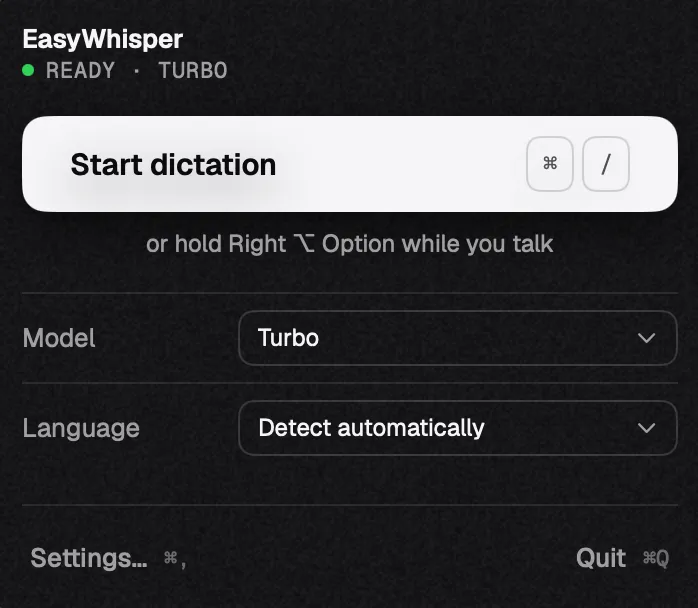
Dictation in the menu bar. Press a hotkey in any app, speak, and the text lands where your cursor is.
Whisper recognition runs right on your Mac: offline, no account, no subscription.
Features
Press, speak, press
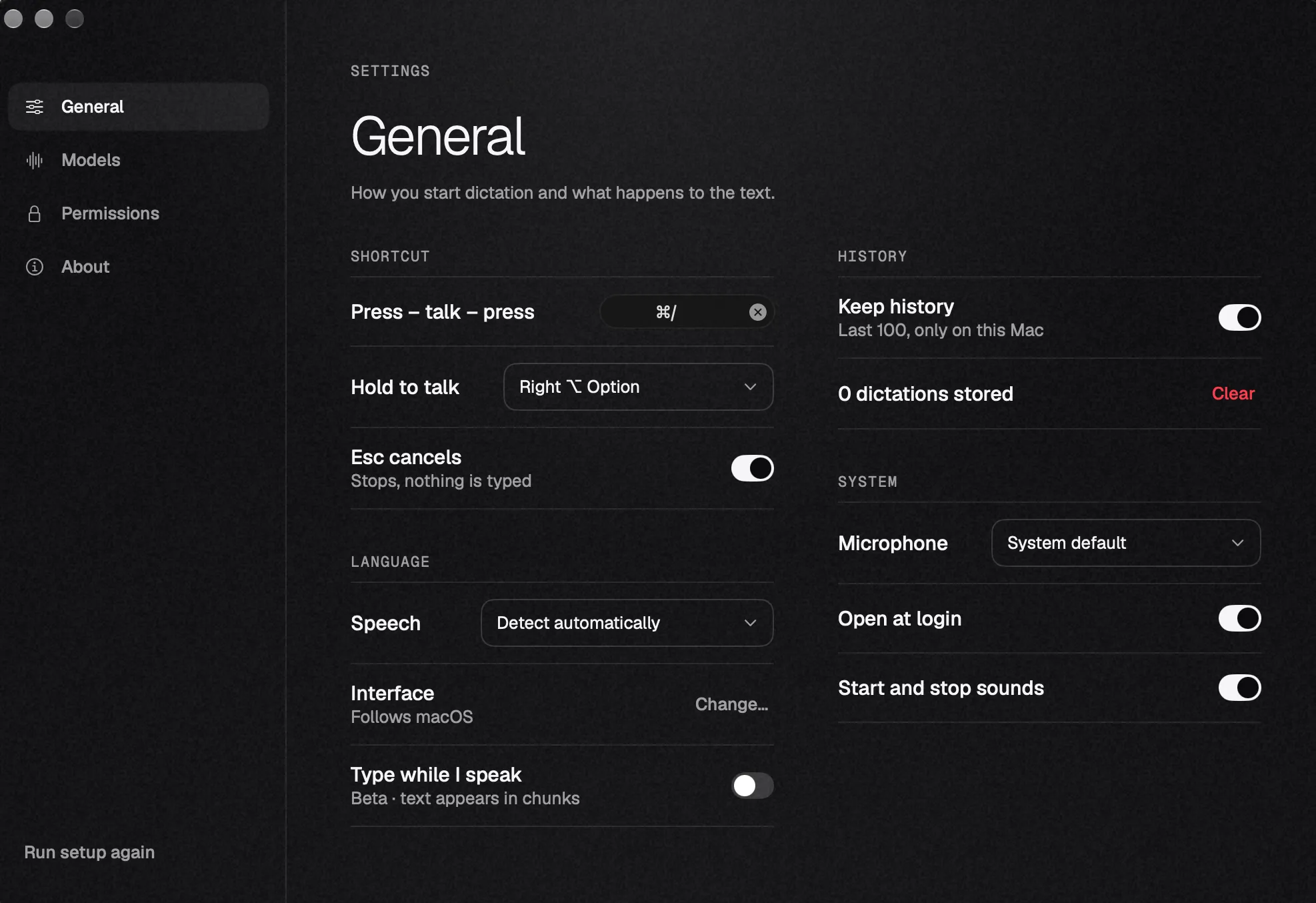
The ⌘ / hotkey works in any app. The second press types the text where your cursor is.
Or hold Option
Hold the right Option key while you talk. Let go, and the text is there.
Esc cancels
Changed your mind mid-sentence? Press Esc and nothing is typed.
Everything stays on this Mac
No account, no analytics. History keeps the last 100 dictations on this Mac only, and you can turn it off.
— Models —
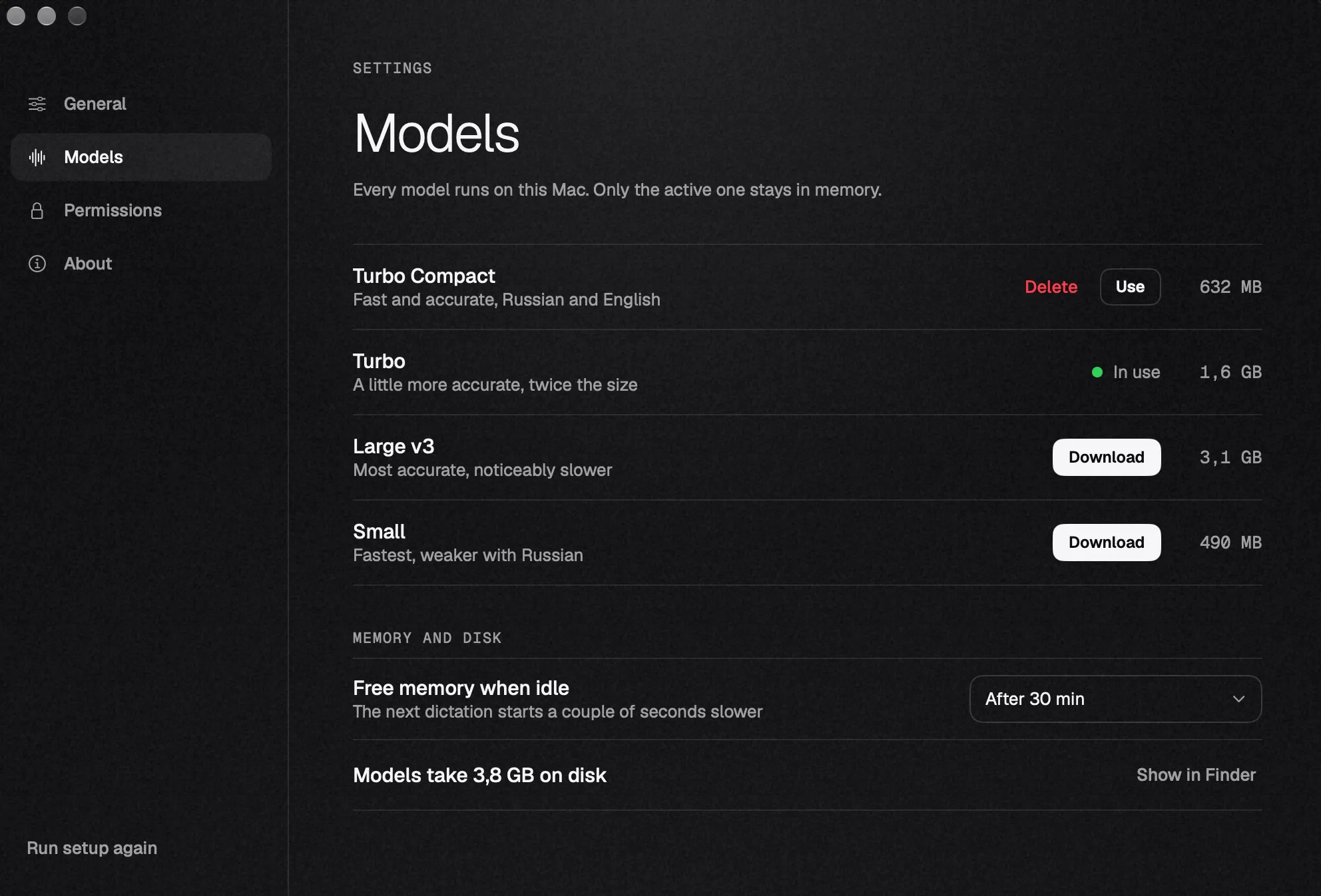
Four Whisper models to choose from. Only the active one stays in memory, the rest sit on disk.
Install
- 01
Download the .dmg
Use “Download for Mac” above, the file is 4.5 MB.
- 02
Drag to Applications
A regular install, like any app outside the App Store.
- 03
Grant permissions
On first launch the app walks you through microphone and text-insertion permissions.
- 04
Press ⌘ /
Speak, press again, and the text is in the field. Or hold the right Option while you talk.