
Smoosh
Days together widget for couples
— About —
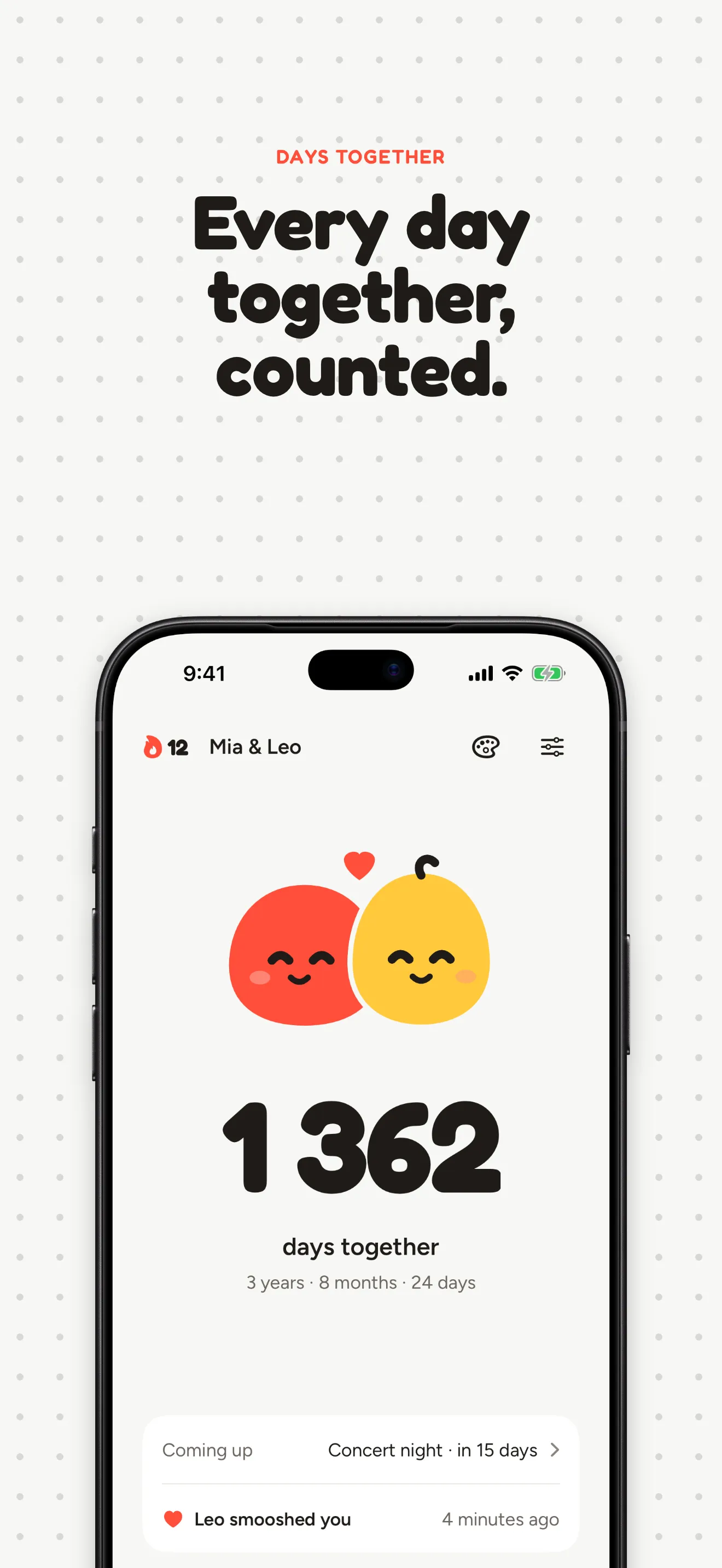
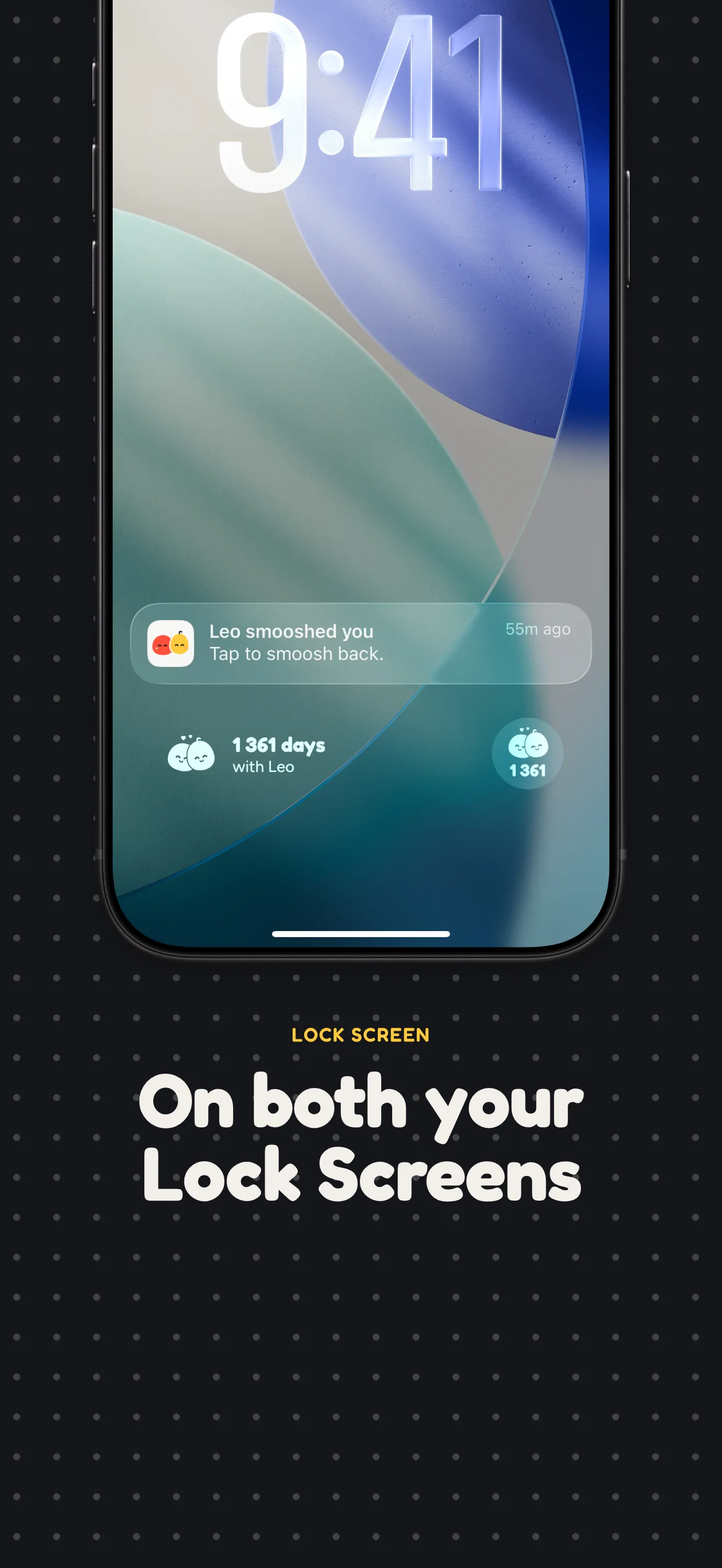
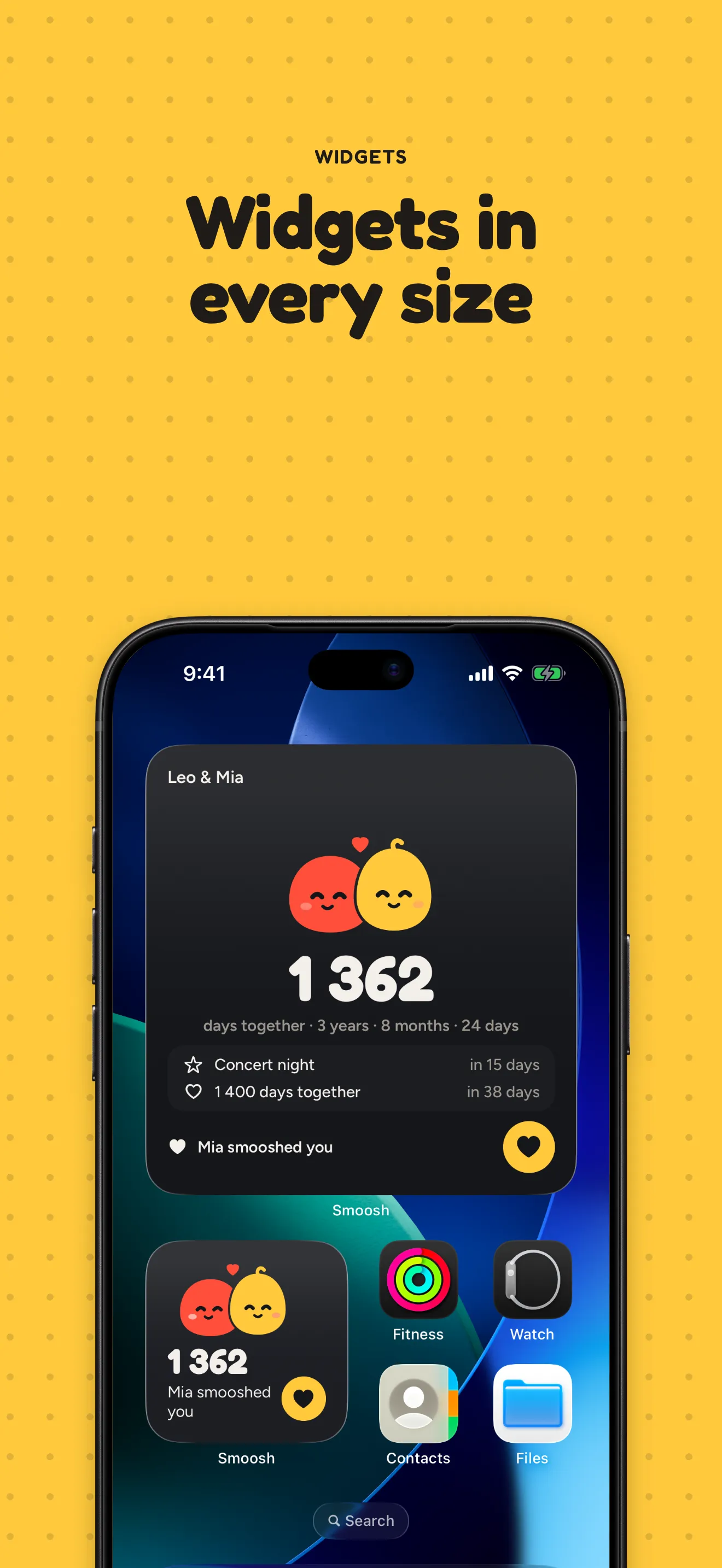
Smoosh counts the days you’ve been together and keeps the number where you both see it: on your Home Screen and your Lock Screen. Two little creatures, one for each of you, squish cheeks when you think of each other.
Your partner joins with a link or a 6-digit code, and you share one counter, the same names and the same background. No account: no email, no password, no ads. The app is in English and Spanish.
Features
Days together, for both
Days, and years, months and days. Smoosh spots the round ones for you: 100 days, 1,000 days, every anniversary, and reminds you that morning.
A heart from the widget
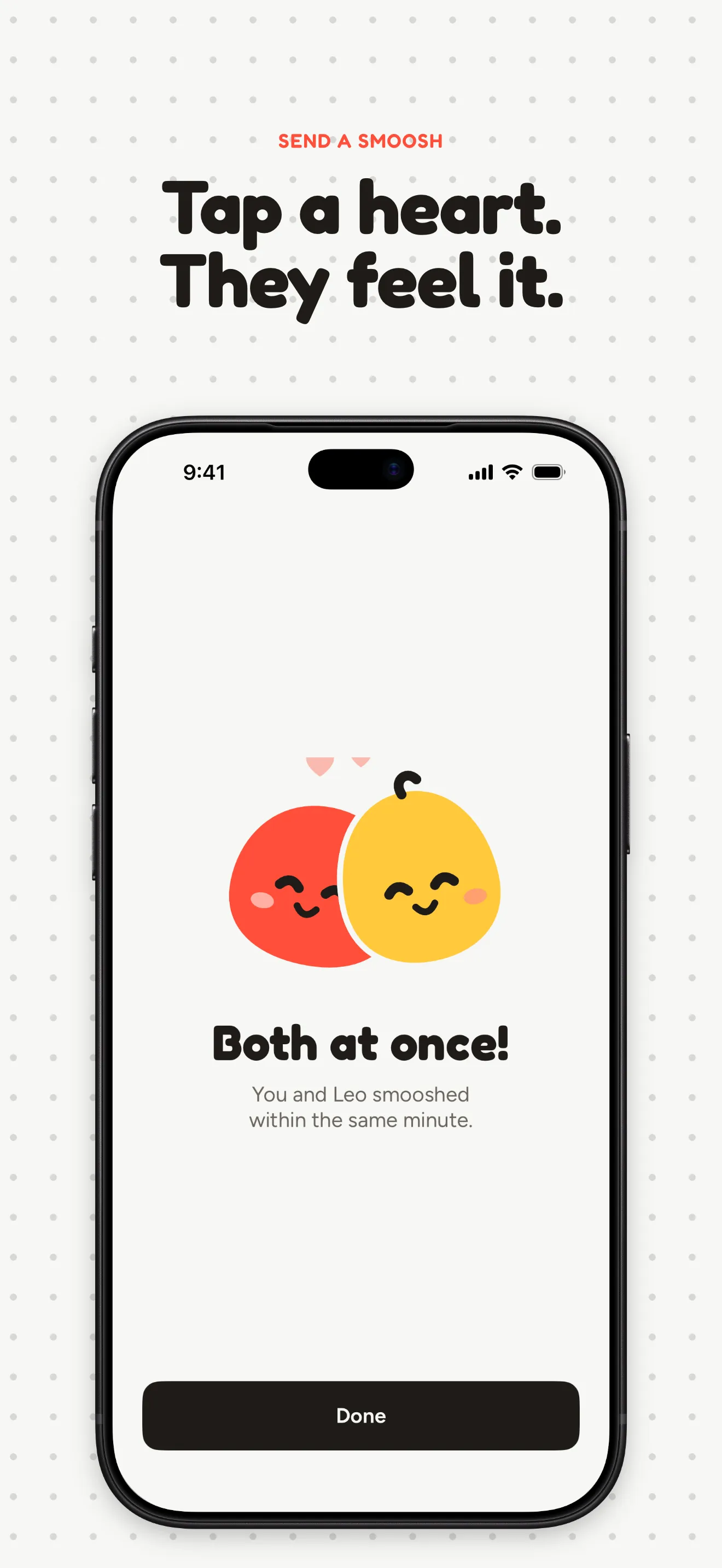
Tap the heart in the app or right on the widget, and your partner gets a notification. Both tap within the same minute, and it’s a match.
Streaks and badges
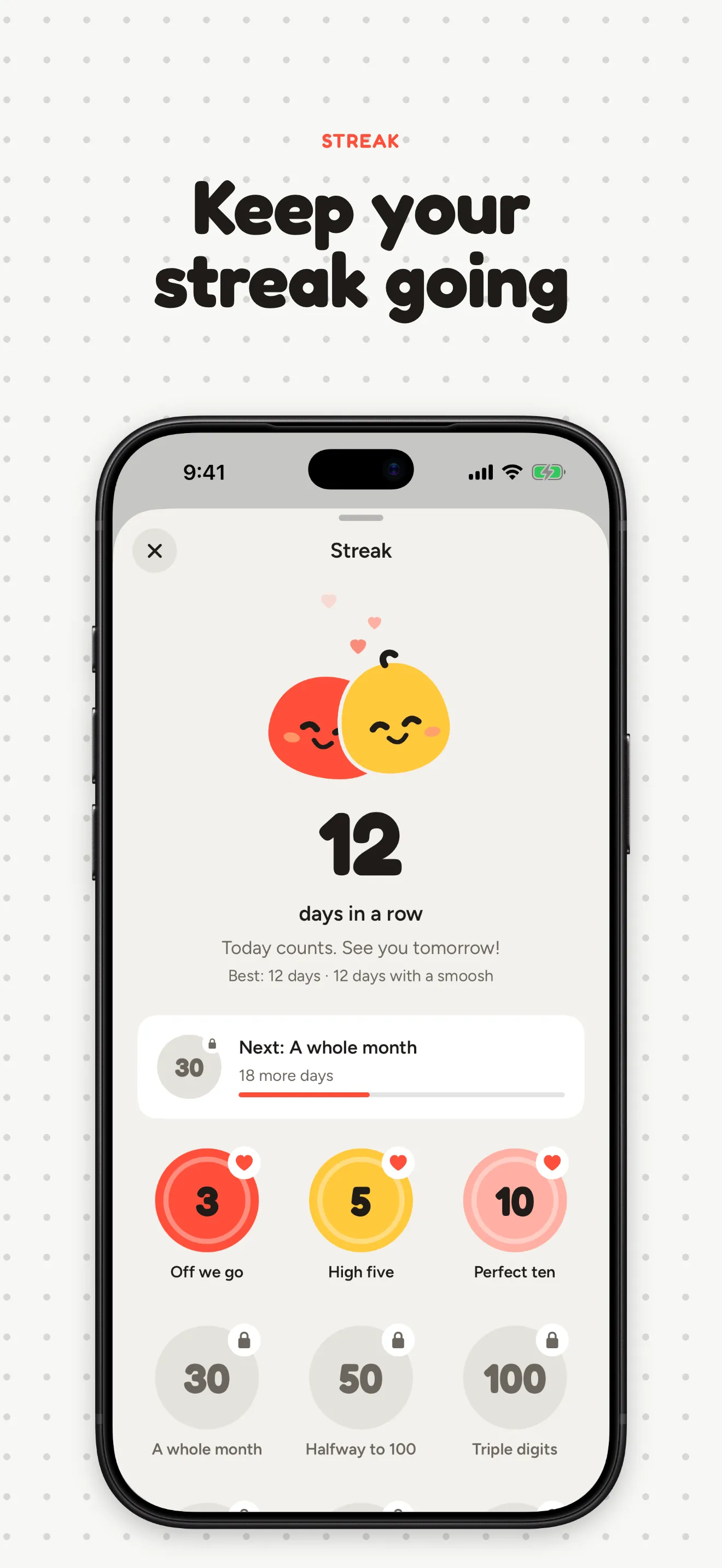
Every day one of you smooshes, your streak grows. Badges for 3, 10, 30, 100 and 365 days stay, even if a streak ends.
Your dates and outfits
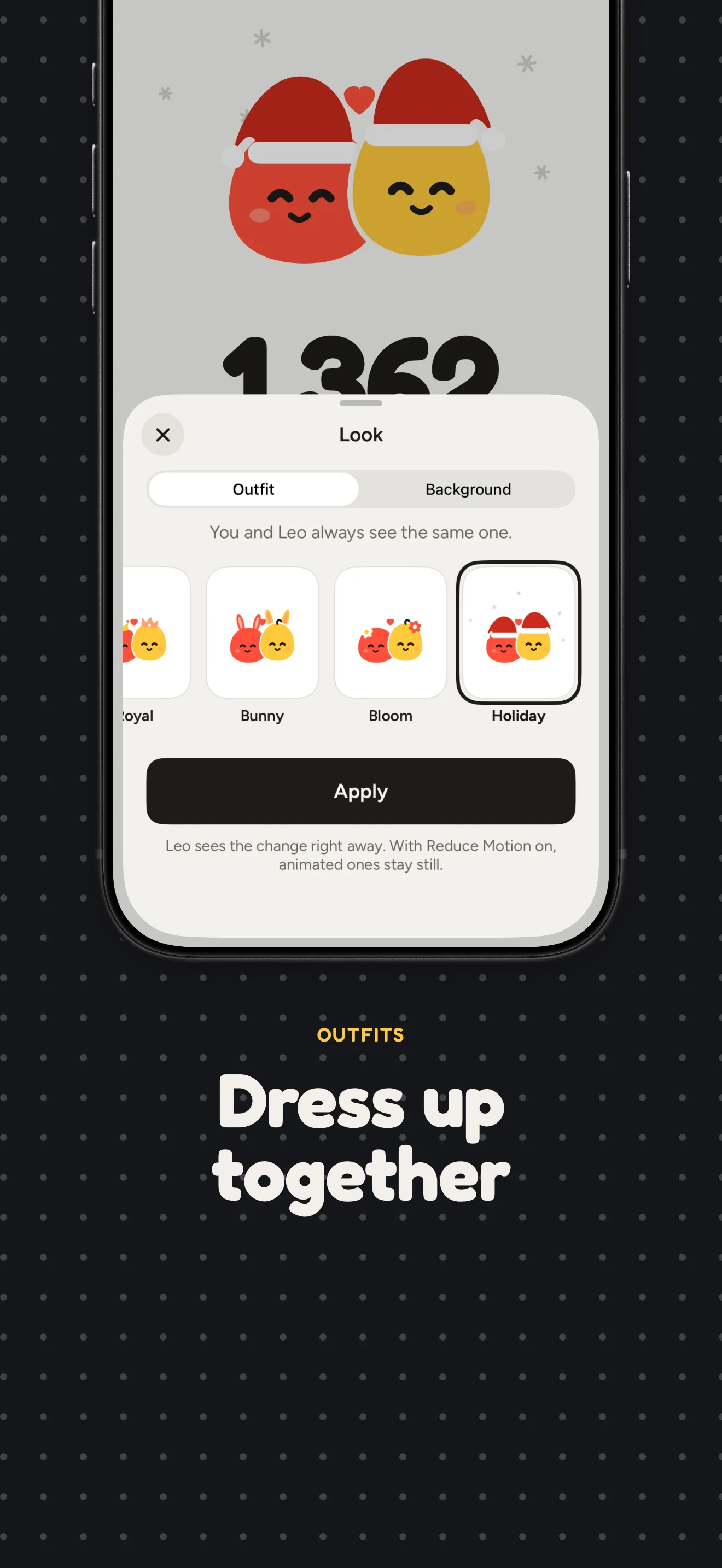
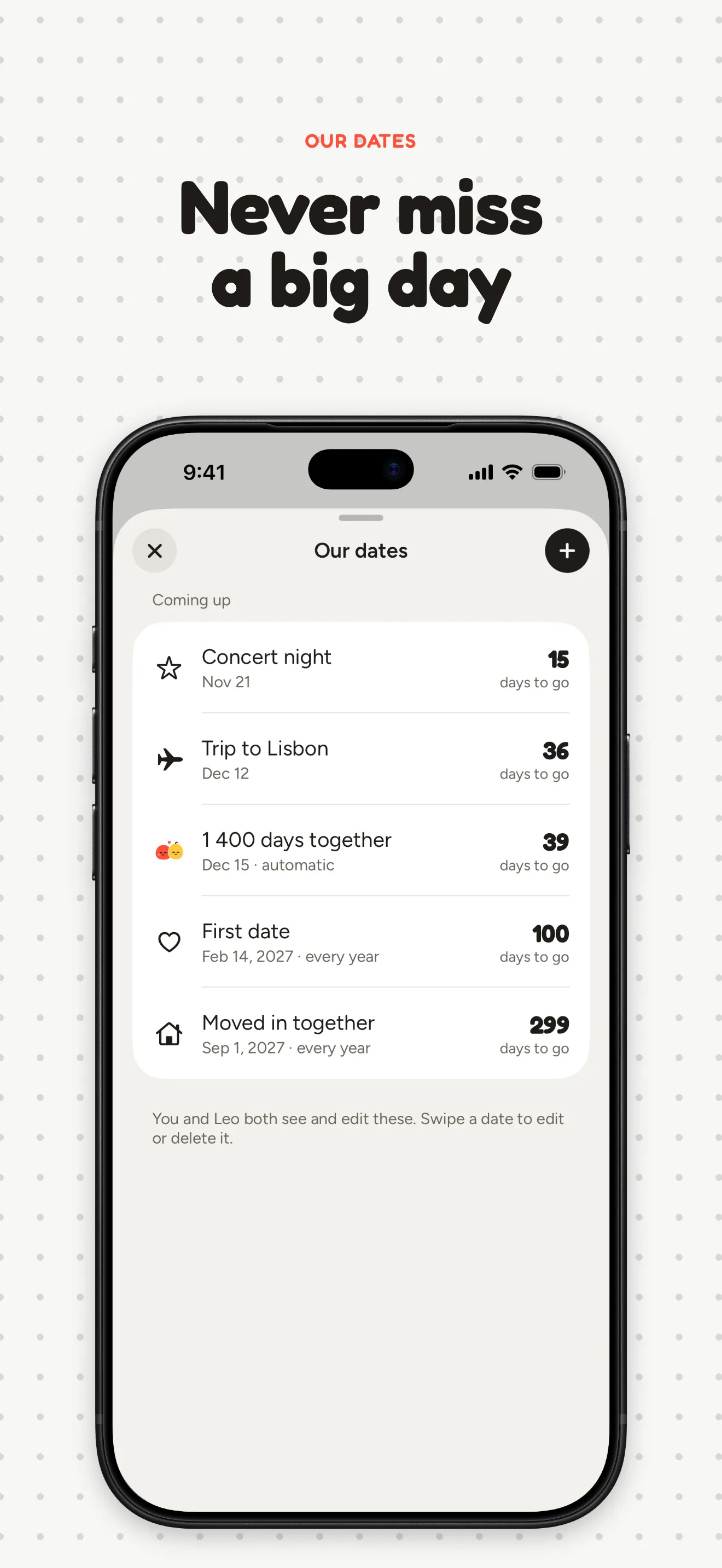
The first trip, moving in, a concert next month: upcoming ones count down, past ones count up. Pick outfits and backgrounds together and see the same look.
FAQ
How do I invite my partner?
Open the invite screen: Smoosh shows a 6-digit code. Your partner enters it in Smoosh on their iPhone, and you are paired. A code works for 7 days, after that create a new one.
Do we both need to buy Pro?
No. Smoosh Pro is shared by the pair: one of you pays, and it unlocks for both.
How do I restore a purchase?
Go to Settings → Restore Purchases on the iPhone signed in with the Apple ID you paid with. If your partner paid, Pro already comes with the pair.
Do I need an account?
No. Sign-in is anonymous: no email, no password. Your session is kept in the Keychain on your iPhone.
How do I leave a pair?
Go to Settings → Leave Pair. After that the pair stops syncing between your phones.
How do I delete my data?
Email v.kondratiev@konspire.cz and ask to delete your data. I will remove it from the server and reply when it is done.