5 free GitHub alternatives to paid software
Free open-source alternatives to ElevenLabs, Notion, Calendly, Semrush and Loom: VoiceStudio, AppFlowy, Cal.diy, OpenSEO and Cap, installed with Claude Code.
Read more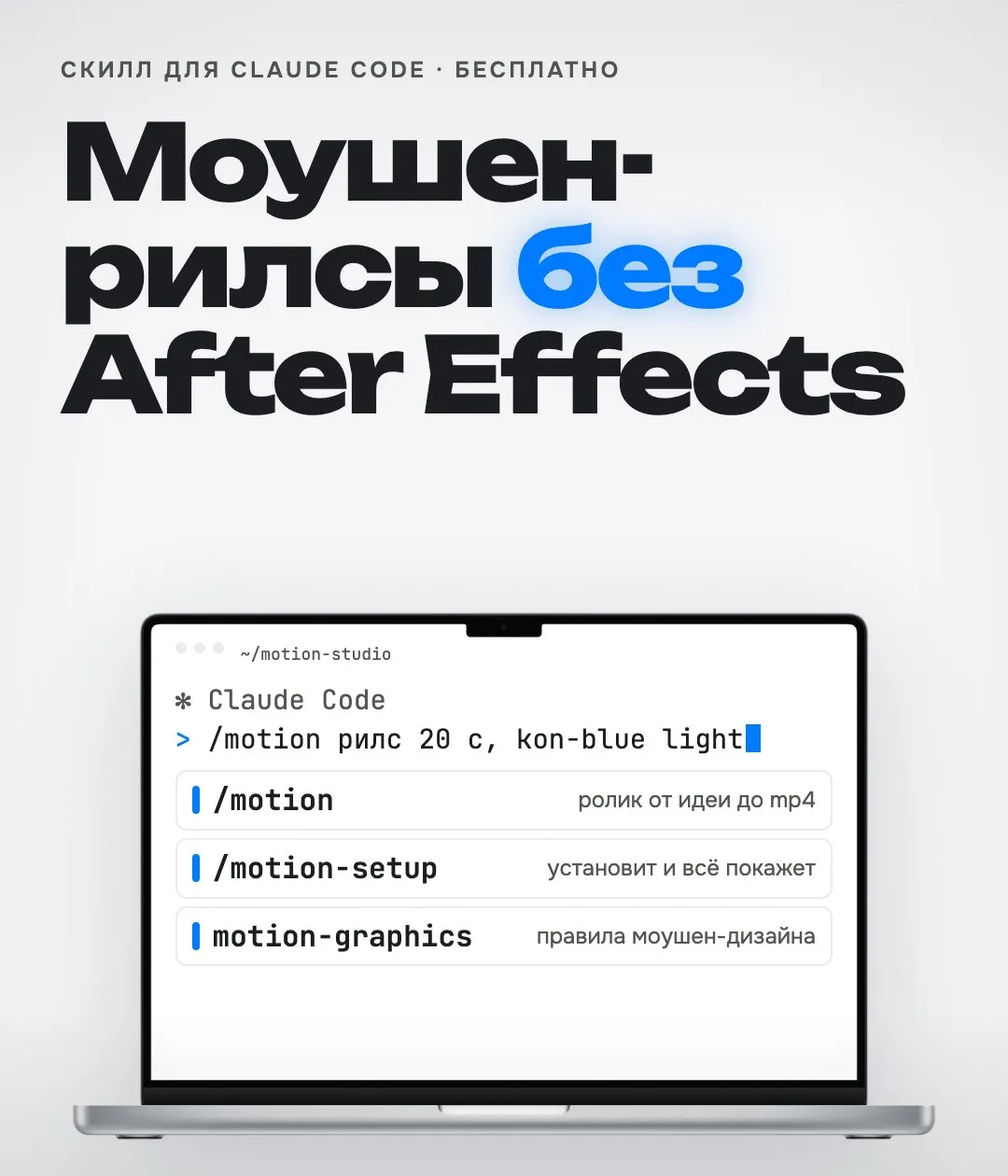
Every reel on my Instagram is made without After Effects and without a timeline. I tell Claude what video I need, it writes the script, builds the scenes in the right style, syncs them to the voice and hands me a finished mp4.
I packed this into a motion studio for Claude Code. It is free; below is how to install and use it.
A Remotion video is plain React code. Every scene, every line of text and every movement lives in files. That gives you three things:
voice creates an ElevenLabs voice-over with timecodes, captions makes Whisper subtitles, reference breaks down someone else’s reel by cuts and sound.Voice-over and captions are in sync: words appear exactly when they are spoken.
Download the archive https://files.catbox.moe/d2ba1r.zip, unzip it to /tmp and install the motion studio following README.md insideWrite in plain language:
/motion a 20 s reel about my productClaude proposes a script. Adjust it in words if needed and it builds the scenes. You can preview the video in Remotion Studio, which opens in the browser, and the final file lands in the out folder.
A good first request is short and specific: what the video is about, how many seconds, who it’s for. A long brief at step one only gets in the way; it is easier to fix a ready draft.
The most useful part for content. You see a reel that took off and want the same format about your own thing. The reference script breaks the video down: where the cuts are, how long each scene lasts, where the sound changes. Claude then builds your video on the same structure with your own content.
Don’t copy other people’s content. Take the rhythm and structure, keep everything else yours.
If you make content about your product, motion as code saves hours per video and keeps one consistent style. It installs with one message, and Claude takes it from there.
New tools and lists appear first in the Telegram channel @vaykord_dev.
Free open-source alternatives to ElevenLabs, Notion, Calendly, Semrush and Loom: VoiceStudio, AppFlowy, Cal.diy, OpenSEO and Cap, installed with Claude Code.
Read moreCurated lists, breakdowns and building my products in public. No course ads.
Subscribe