5 free GitHub alternatives to paid software
Free open-source alternatives to ElevenLabs, Notion, Calendly, Semrush and Loom: VoiceStudio, AppFlowy, Cal.diy, OpenSEO and Cap, installed with Claude Code.
Read more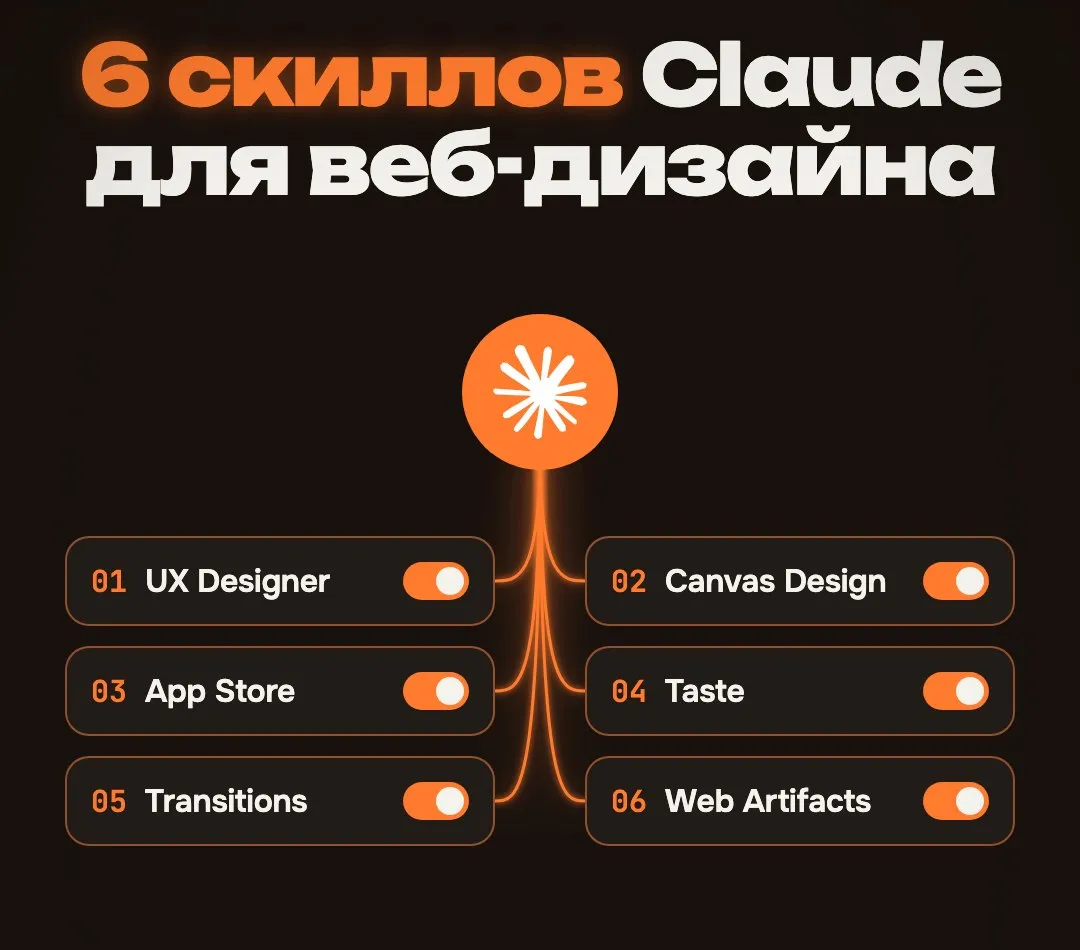
Out of the box Claude is tidy but predictable. A gradient, three cards, a centred button. To make the result look like a designer did it, Claude needs rules. That is exactly what skills are: a folder of instructions Claude reads before the task.
Here are six skills I install for web design. All free, all installed with one command.
All six install with npx skills add right in your project folder. It works in Claude Code, Cursor and Codex. Once installed, Claude picks the skill up when the task fits, or you call it by name.
Tip: don’t install everything just to have it. Every extra skill takes some of the model’s attention. Pick what the current task needs.
User flows, error states, WCAG contrast. This one is not about beauty but about usability: what the person sees when a form fails, whether grey text has enough contrast, whether it is clear where to tap next.
npx skills add szilu/ux-designer-skillPairs well with any visual skill: UX first, looks second.
Describe a poster in words, get a finished PNG. Handy for covers, banners and post images when you don’t want to open Figma.
npx skills add anthropics/skills -s canvas-designAn official skill from Anthropic’s repository.
App Store screenshots in every required size, with device mockups. If you ship an app, this saves a day of manual work.
npx skills add ParthJadhav/app-store-screenshotsOne lesson from my own launch: don’t draw stars, awards or reviews you don’t have. Apple rejects apps for that. Facts about the app are fine, made-up claims are not.
Palette, fonts, hierarchy. This skill teaches Claude to make taste-driven decisions instead of defaults: which font goes with which, how many colours are enough, what should be bigger.
npx skills add Leonxlnx/taste-skill -s design-taste-frontendReady-made animations for modals, menus and page transitions. Without them an interface feels jumpy: a dialog just appears, a menu just vanishes.
npx skills add Jakubantalik/transitions.dev -s transitions-devA working React interface right in the chat. Useful when you need to show a client, or yourself, what a screen will look like before you start the project.
npx skills add anthropics/skills -s web-artifacts-builderAlso an official Anthropic skill.
The model knows a lot, but by default it picks the average. A skill shifts that average where you want it: rules, bans and examples. You end up fixing less by hand and repeating yourself less in every prompt.
I built my own skill for mobile screens the same way, see /mobile-design.
I checked every repository on 22 October 2026, all of them opened. New lists appear first in the Telegram channel @vaykord_dev.
Free open-source alternatives to ElevenLabs, Notion, Calendly, Semrush and Loom: VoiceStudio, AppFlowy, Cal.diy, OpenSEO and Cap, installed with Claude Code.
Read moreCurated lists, breakdowns and building my products in public. No course ads.
Subscribe